
Chapter 1 · 1.2
The website: menu, countries and languages, prices with or without VAT
At the top of every page on weboke.nl you'll find the same header. From there you can find everything on the site, choose your country and language, and see what's in your shopping cart.

- The menu (1): Web hosting, Domains, Products, Support, Tools and AI Builder. Click a menu name to expand it.
- The VAT switch (2): choose whether you see all prices excl. VAT or incl. VAT.
- The shopping cart (3): the number shows how many items are in it. Hover over it with your mouse for a short overview.
- My Account (4): use this to log in to My WebOké. If you're already logged in, this takes you straight to your dashboard.
- Country and language (5): the button with the flag.
Above that, in the thin bar, you'll also find Blog and Webmail, which lets you read your email in the browser.
The menu
Click Web hosting to expand an overview of all hosting products. Each product has a short description. At the bottom you'll find Compare all plans.
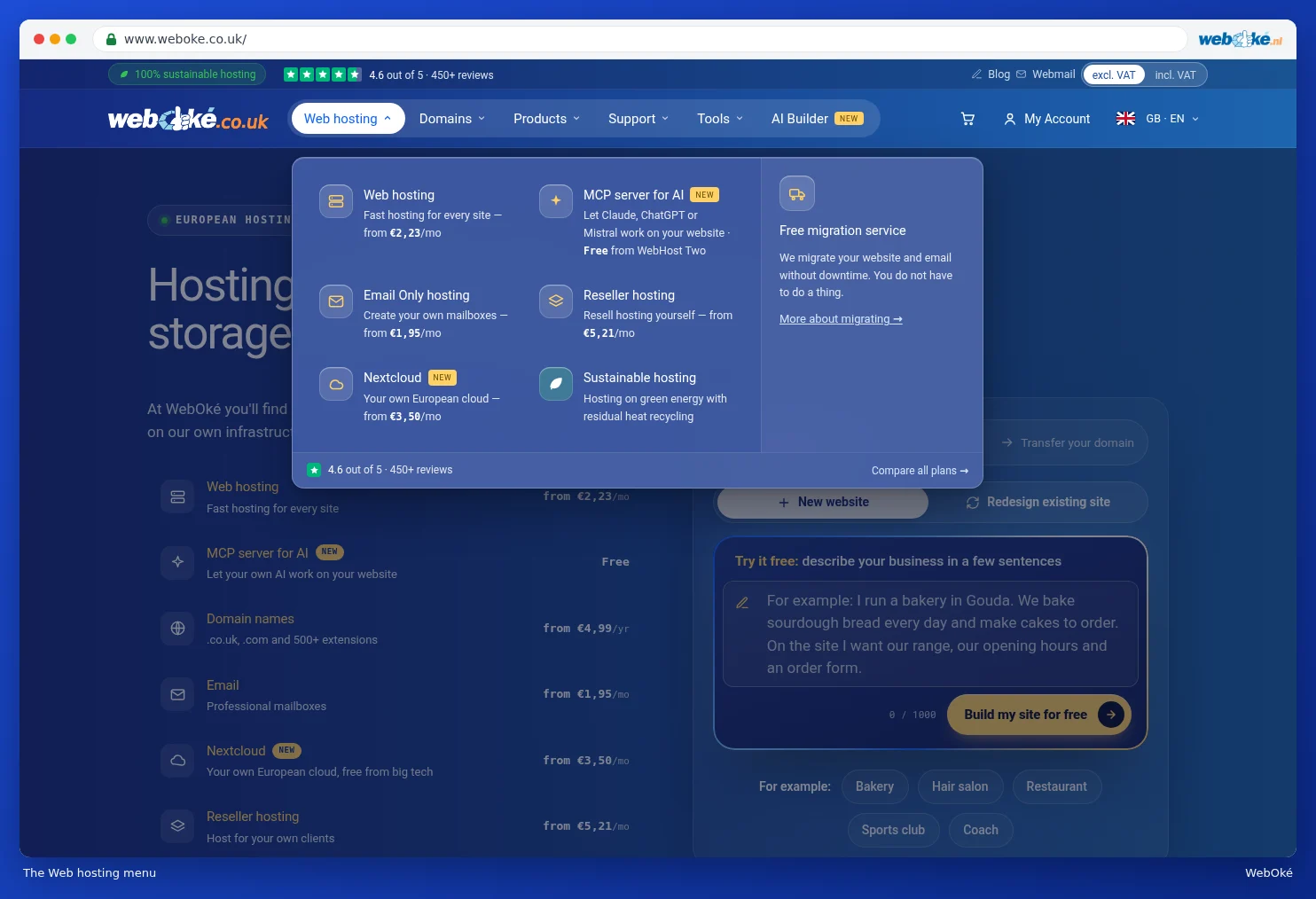
Under Domains you'll find a search box. Type the name you want and click Check to see if it's available. You'll also find Register a domain name and Transfer a domain here.

Close the menu again by clicking the menu name, pressing Esc, or clicking elsewhere on the page. On a phone or narrow screen, the menu sits behind the button with three lines.
Choosing your country and language
WebOké has its own site for each country, for example weboke.nl, weboke.be and weboke.de. Each country has its own prices and VAT. You choose your language separately, and it only determines the language of the text you read.

- Click the button with the flag in the top right.
- Under Country, choose the country where you live or where your business is based (1).
- Under Language, choose the language you'd like to read (2). There are 23 languages.
- Below the choices you'll see which site you'll get, which prices and VAT apply, and in which language. Click View (3).
Tip: if you choose a different country, the site will suggest your browser's language if it's available there. You can still change the language afterwards.
My WebOké follows your language. The portal has its own address for each language, such as my.weboke.nl for English. You can also switch the language of the portal within the portal itself, see Language, dark mode and the tour.
Prices with or without VAT
With the excl. VAT and incl. VAT switch in the top right, you can see all prices on the site with or without VAT. This applies to the entire site: the plans, the menu, the domain search tool and your shopping cart overview. The site remembers your choice, even when you come back later.
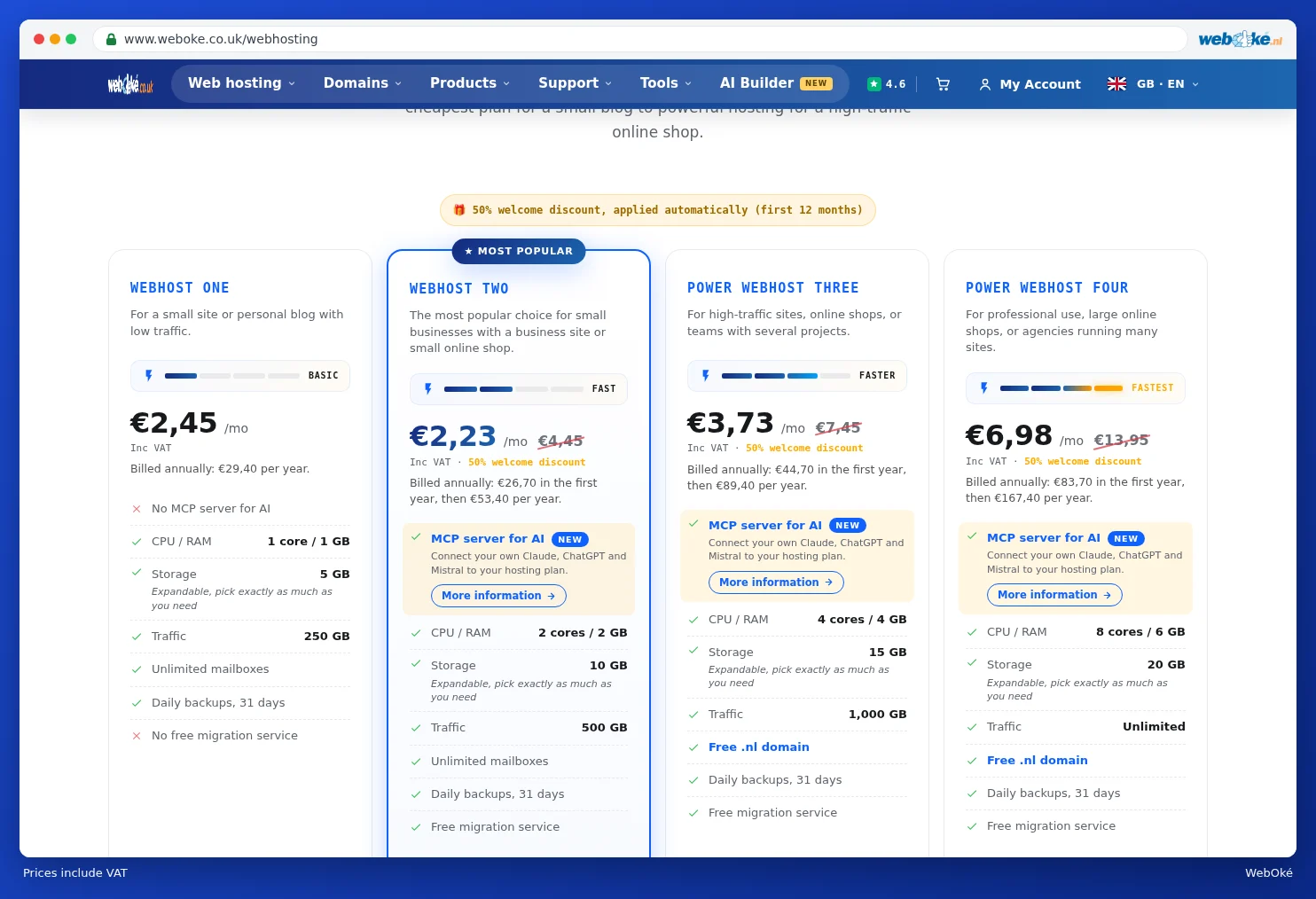
The VAT you ultimately pay depends on your details. If you're logged in, we use the rate linked to your account. If you're ordering as a business from another EU country with a valid VAT number, a different rate applies. In your shopping cart and at checkout, you'll always see the VAT on a separate line, see The cart: changing, removing and discount codes.